Detach Plan Action
The Detach Plan action is available for:
-
Single SIMs from the SIMs table
-
Multiple SIMs from the SIMs table
On the SIM Info page, plans are detached from a single SIM from the Manage Plans Tab.
To do the Detach plan action:
-
Invoke the Detach Plan action, as described above.
The Detach Plans to SIM dialog appears.
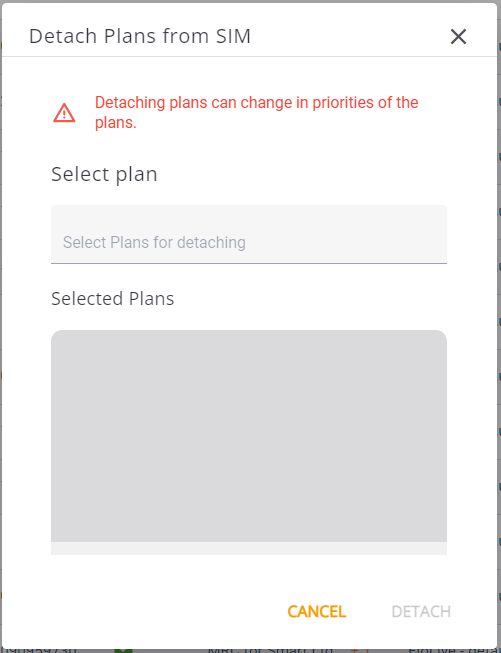
Detach Plans from SIM
-
Click the Select Plans for detaching field and select a plan(s) from the list.
The plans you select are displayed in the Selected Plans pane.
-
Click Detach.
The selected plans are detached from the SIM(s).
Note: When you detach the SIM from all Billing Plans, all services are discontinued, and the SIM cannot be used until attached to a Billing Plan again. All remaining balances are lost with no monetary compensation.