Set Fee for a Single Sub-Account
You can set Access Fees and Surcharges for each of your sub-accounts to align your billing with the various charges of different IMSI providers and network operators.
IMPORTANT: The default value for Access Fees and Surcharges is zero (that is no-charge.). This means you need to set the price and activate these fees to take effect for each of your sub-accounts.
To set the Access Fee or Surcharge for a sub-account, do these steps.
- Select Rates & Fees from the sidebar menu.
- Click the Fees tab and select the Fee Type:
- Surcharge
- Access Fee per IMSI
- Select an Account from the list of accounts.
- Select a Provider from the list of providers.
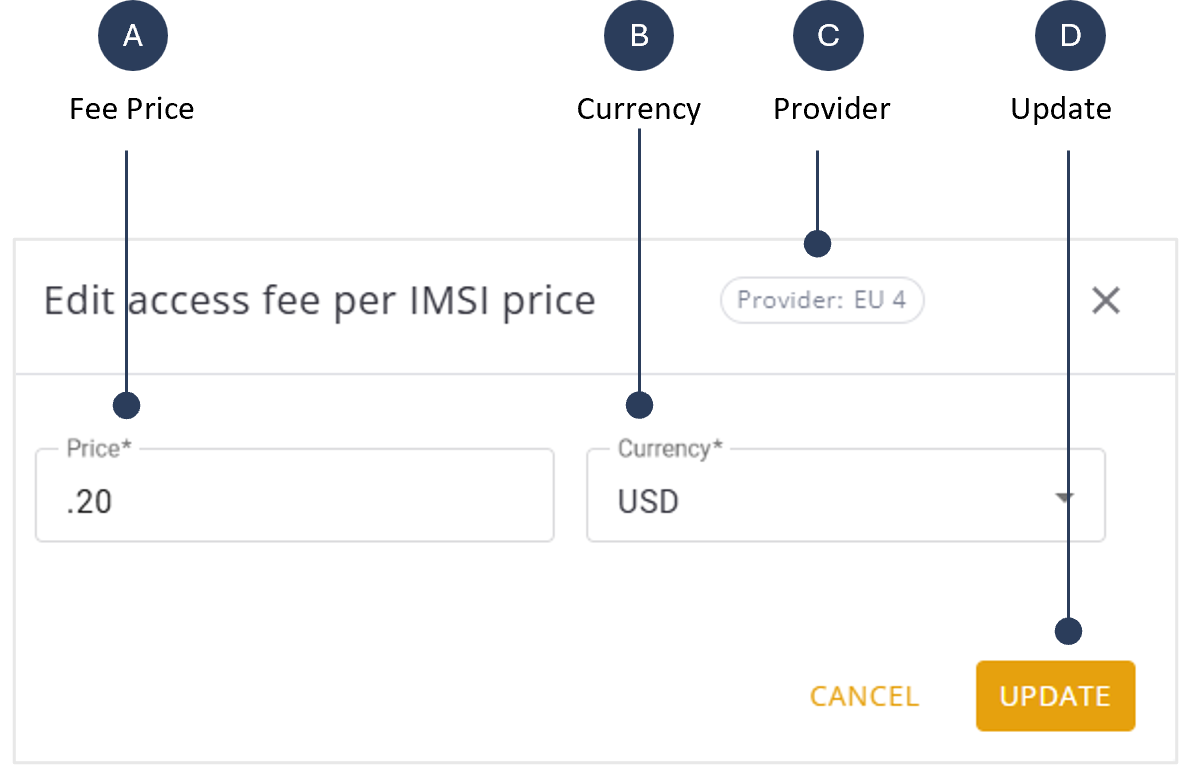
- Click the provider row Actions control and select Edit to display the edit price dialog box.
- Specify the Price for the selected provider.
- Select the price Currency.
- Click Update to update the Fees table. The new fee is now updated for the selected account.
An example screen capture of the Edit Fee Price is shown here.