Exclude Access Fees
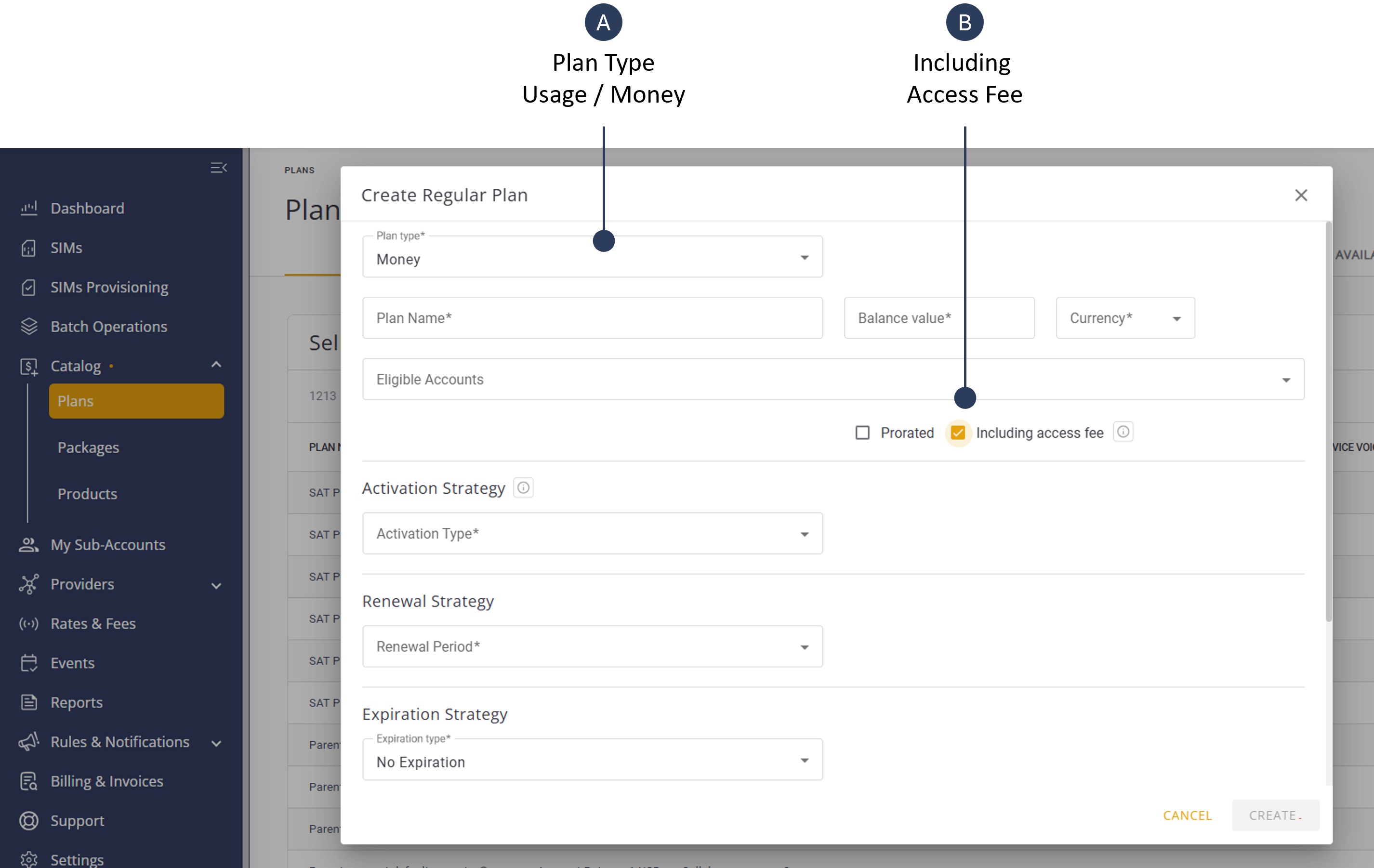
In some cases you may want to exclude the access fees from your billing transactions. This is done by selecting the “Including Access Fee” option when you create regular usage and money plans.
To exclude the access fee, do these steps:
- Select Catalog |Plans from the sidebar menu.
- Click +Plan to display the Create New Plan dialog box.
- Select a Regular Usage or Money plan in the Plan Type field.
- Check the "Including Access Fee" option.
- Define all the Create New Plan settings and click Create.
IMPORTANT: When you check the Including Platform Fee option, you cannot edit or update this option after the plan has been assigned to one or more SIMs.
A screen capture of the "Including Access Fee" option is shown here.