Integration of Allocated Providers into the Connectivity Rates Module
Once you allocate providers to a sub-account, only these providers appear in all Rates tables of this sub-account in the Connectivity Rates Module.
This topic presents an example of integrating Parent-account Provider allocation into the Connectivity Rates module.
The following figure shows an example of the providers allocated by the Parent Account to sub-account test1703:
-
Brazil 1
-
EU 1
-
Provider H
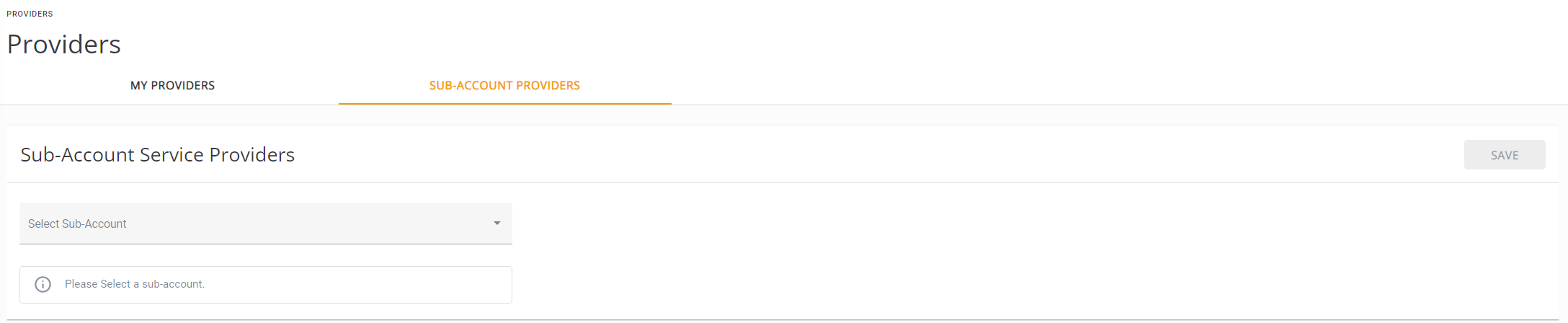
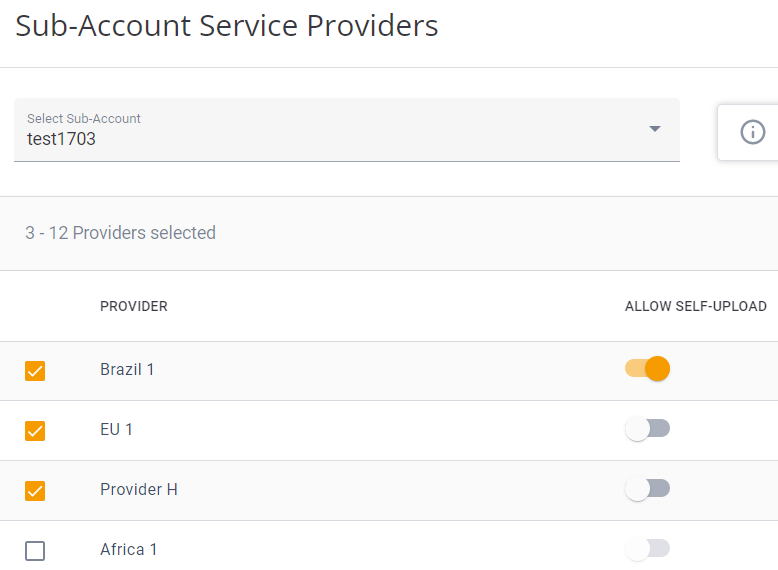
Providers Page: Parent Account Allocation of Providers to a Sub-Account from the Sub-Account Providers Tab
To view integration of these allocated providers in the Connectivity Rates module:
-
Assume that you are the user that owns the selected sub-account test1703 with the allocated providers.
-
From the Navigation Bar, click the Providers tab.
The Providers page opens to the My Providers tab, which shows those providers allocated to your account, test1703, by your Parent account; you can now allocate these providers to your customers and upload Sell Connectivity Rates for these providers.
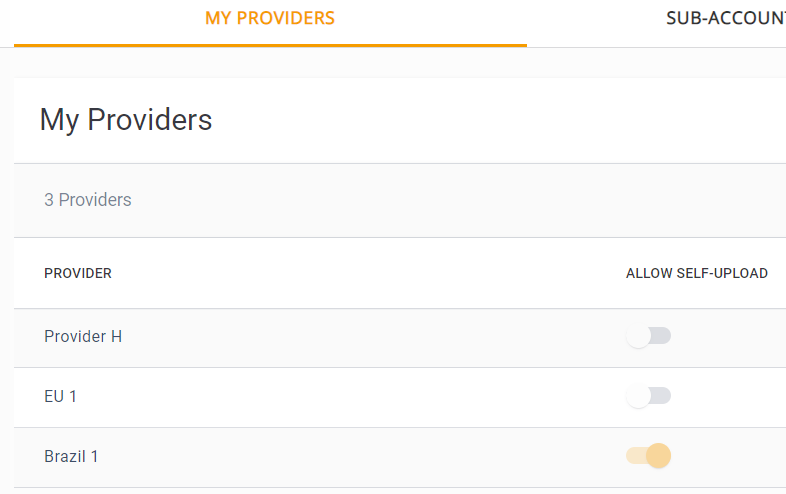
Providers Page: Sub-Account with its Allocated Providers in the My Providers Tab
-
From the Navigation Pane, click Connectivity Rates and open the Rates table for any sub-account-Country combination, as described in Sub-Account Single Provider-Operator Markups .
You will see that only those providers allocated to you appear in the Rates table, as shown in the following example:
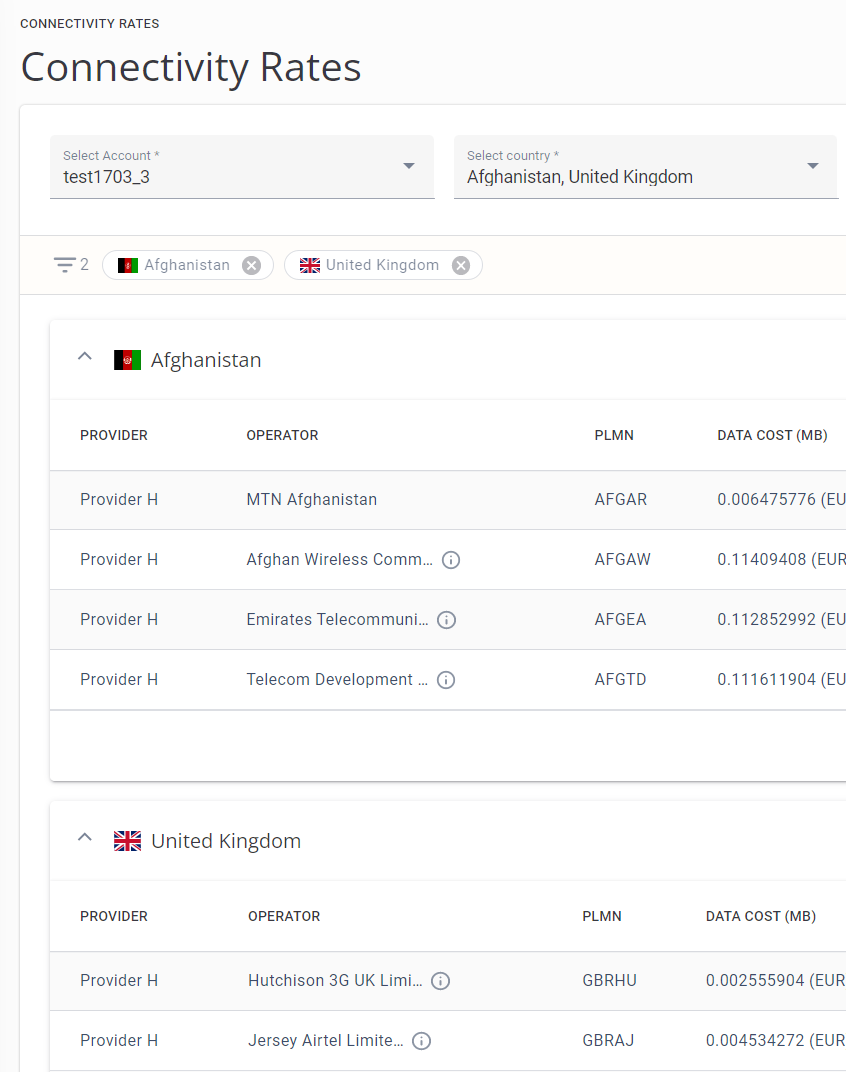
Connectivity Rates Table Showing Allocated Providers for a Selected Country