My Dashboard
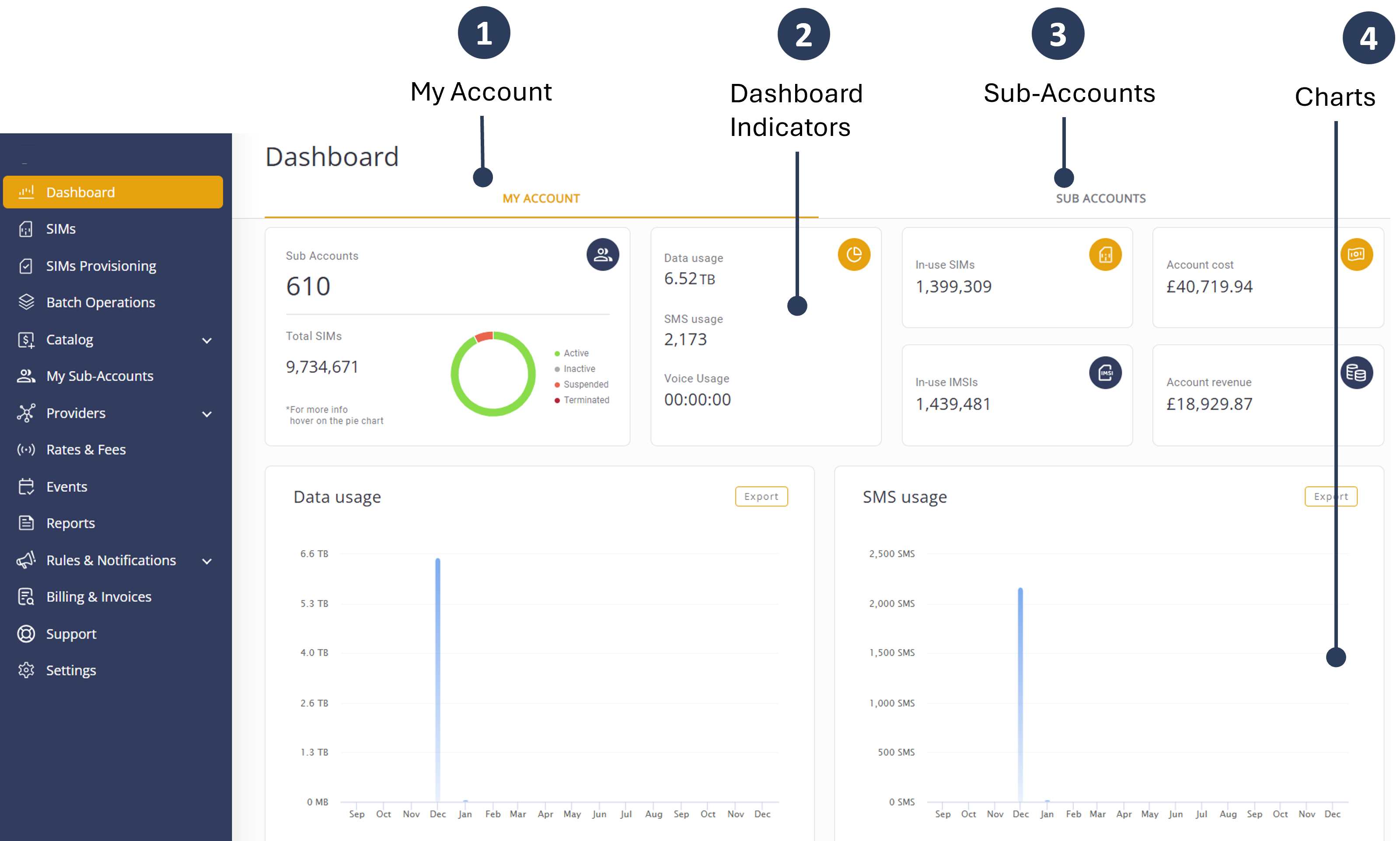
The Dashboard module provides comprehensive usage data for your (Parent) account and your (Child) sub-accounts over a user-configured length of time. It displays data and SMS usage, SIM connection data and cost, as well as revenue and profit summaries.
Types of Accounts
The dashboard module contains two different views:
| Type of Account | Description |
|---|---|
| Parent Account | Displays data from your (Parent) Account with or without the inclusion of your sub-accounts (Child). This section provides an overview of usage data specific to your main account. For more information refer to Parent Account Dashboard |
| Sub-Accounts | Displays data bar graphs from selected sub-accounts. When more than one account is selected, the bar graph aggregates data over all selected accounts. Additionally, the bar-graph data displays can be transformed into a pie chart. Each slice of the pie chart represents the percentage contributed by each of the selected accounts. Data from unselected accounts are not included in the pie chart. For more information refer to Sub Accounts Dashboard. |
You can access the Parent Account and Sub Accounts by selecting the associated tab on the dashboard interface.
A screen capture of the Dashboard module is shown here: