Invoice Email Notification
This feature enables customers to receive an email notification to an email address associated with the account when the billing cycle is complete and an invoice is generated.
To create an Email Notification when an invoice is created, do these steps:
- Select My Sub-Accounts from the sidebar menu.
- Click the Addresses tab to create a new address or select an existing address from the list.
- Select Shipping from the Address Type.
- Enter the Email address in the email field and click Save Changes.
- Select the Billing & Invoice tab.
- Select Invoice Configuration from the Billing & Invoice sub-menu.
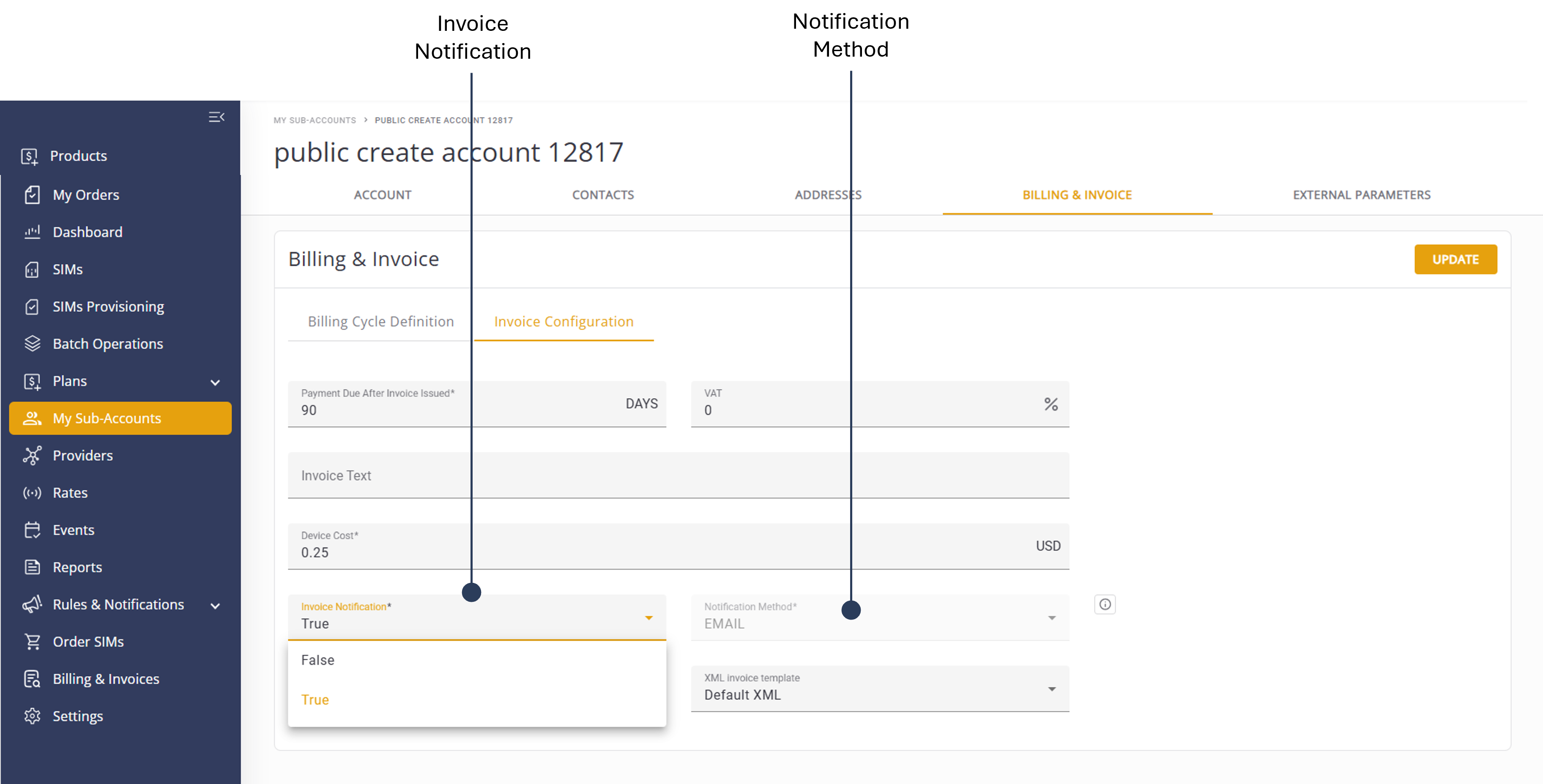
- Invoice Notification and select True.
- Notification Method and select Email.
- Click Update to save changes.
A screen capture of the Email Notification settings is shown here.